Releasing an Item Request
The Release Item dialog box lets you undo the item reservation that you have created for an item request.
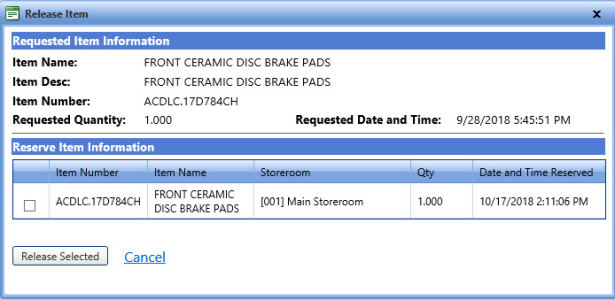
Release item
To release an item request
- Search and view the item request.
- Click the Release link in an item request.
The Release Item dialog box opens. - In the Reserve Item Information section, select the check box next to the item request and click one of the following:
- Release Selected to undo the reservation.
- Cancel to leave the item reserved and cancel the release item action.